How to Iterate Visual Design with AI: A Real-Time Creative Process

What you're about to read isn't a theoretical tutorial—it's the exact creative process I just went through to create this blog post and the images you're seeing. This is AI-powered design iteration in real-time, with all the thinking, pivoting, and refinement that makes creative work actually work.
Let me walk you through exactly how PowerAI helped me go from a single prompt to a complete visual design system in under 20 minutes.
The Initial Creative Brief
It started with a simple need: create visual styles for PowerAI blog posts. But instead of spending hours sketching concepts or briefing a designer, I decided to collaborate directly with PowerAI's image generation capabilities.
Here's my exact first prompt:
"create a folder for different designs style for the blog images, i want it to contain people in a positive bright office environment, also several people in a team atmosphere. when fitting it's an office environment and for smaller teams a more homy style work environment. in the photos include futuristic looking projections that come from their screen. try different styles for those projections. one can be just a simple bubble over the screen that shows what is seen on the screen. some can be holograms or others the apple new glass view bubble that hover in space. the idea of these styles is that we fine tune the design for the blog image design for powerAI. create a folder named blog-design."
Why this prompt worked:
- Specific environment requests (bright office, team atmosphere, home office)
- Clear technology elements (futuristic projections, holograms, glass displays)
- Variety directive (try different styles)
- Business context (blog image design for PowerAI)
First Iteration Results
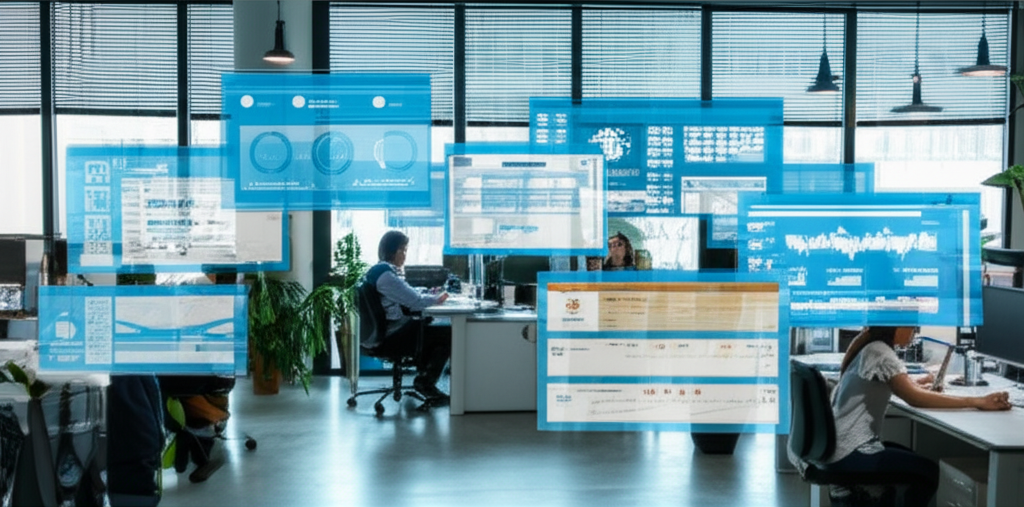
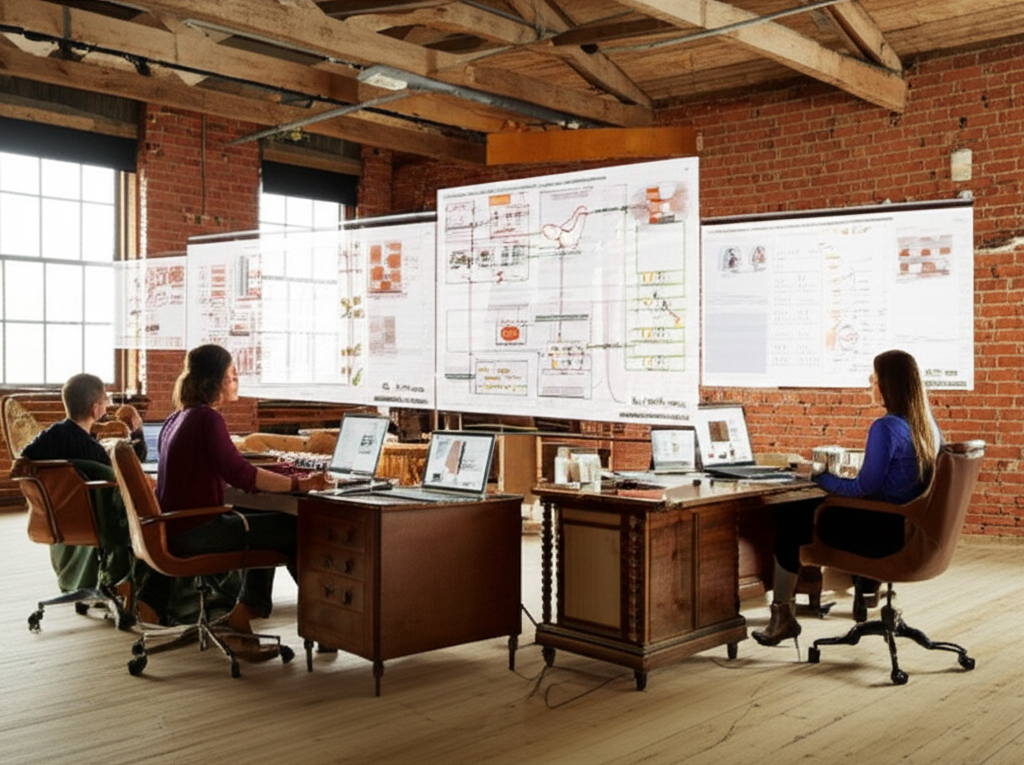
PowerAI generated 10 different design styles, each interpreting my brief in unique ways:

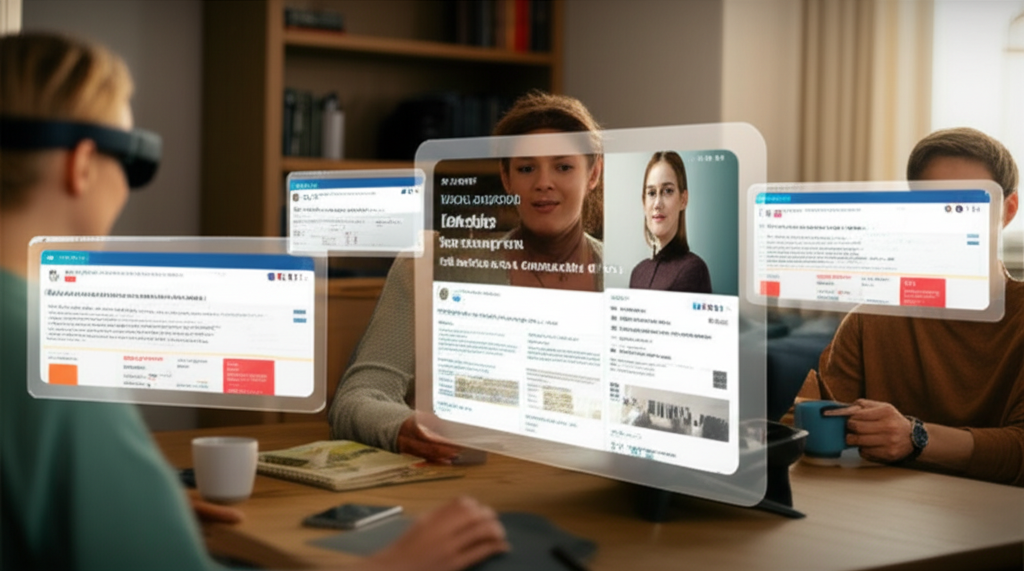
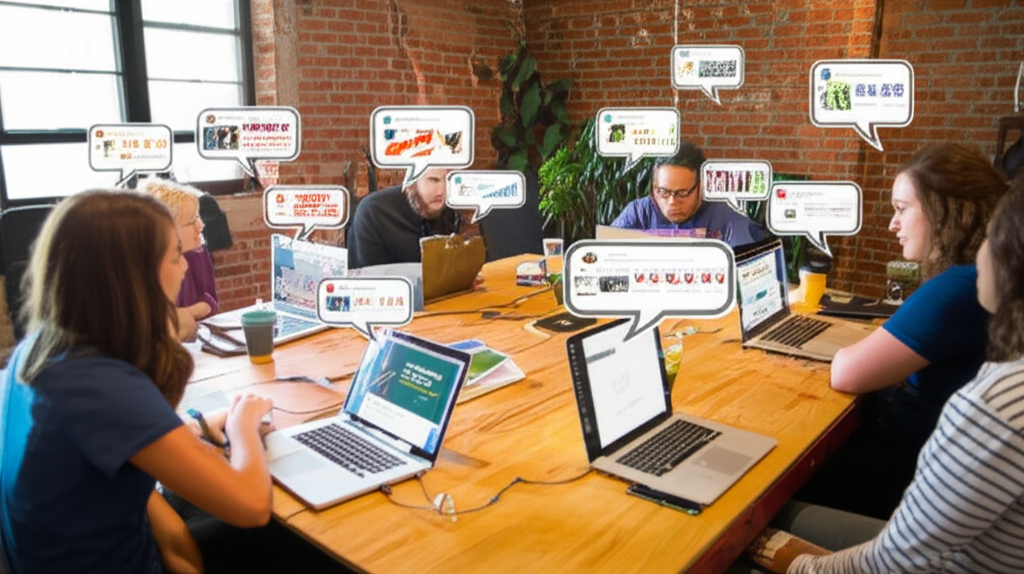
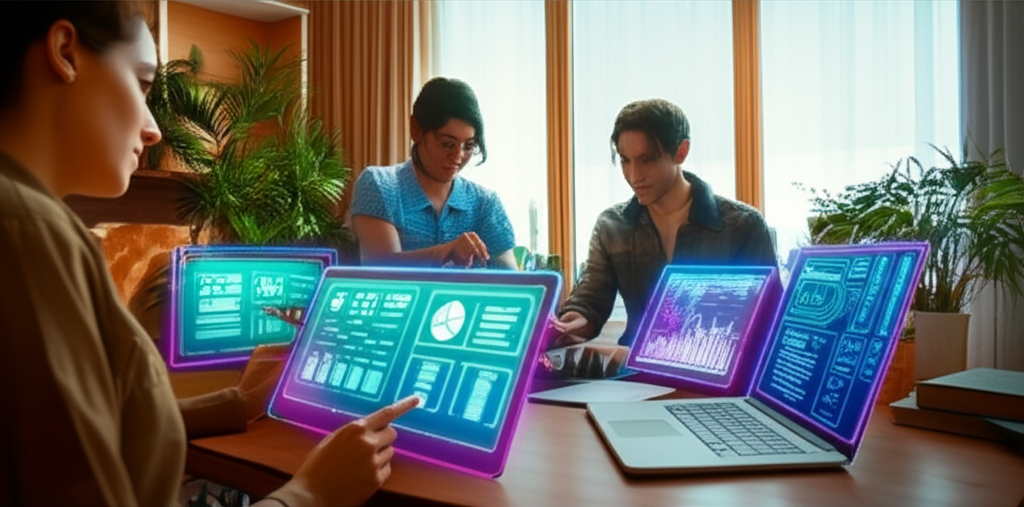

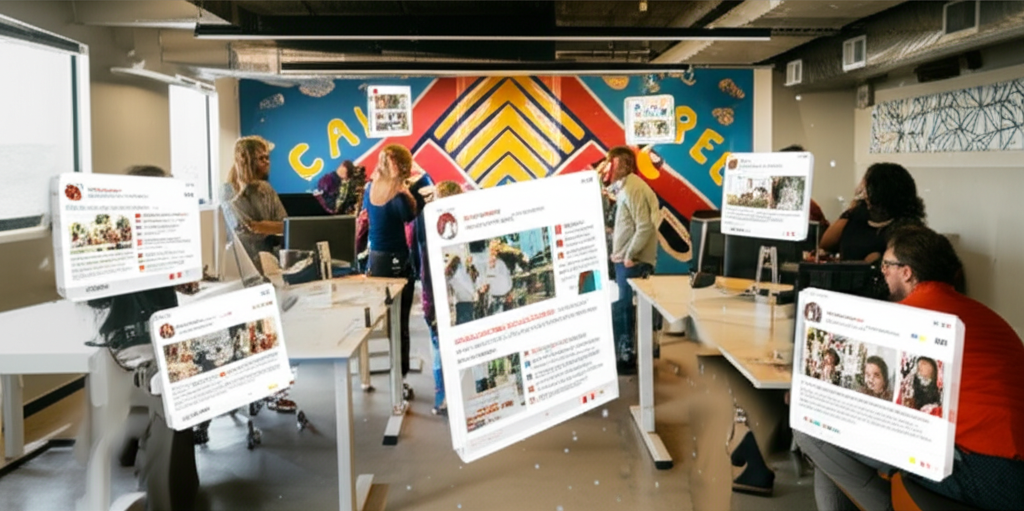

What I got:
- Bright office with blue holographic projections - Corporate, professional
- Cozy home with Apple Vision-style glass displays - Intimate, accessible
- Startup office with speech bubble projections - Playful, approachable
- Home studio with neon-outlined holograms - Creative, energetic
- Corporate boardroom with floating glass panels - Executive, premium
- Creative agency with rotating 3D objects - Dynamic, innovative
- Solo freelancer in cafe with minimal floating screen - Relatable, aspirational
- Tech company with multiple AR displays - Advanced, sophisticated
- Boutique consultancy with extended monitors - Professional, focused
The Pivot Moment
Looking at the results, #7 caught my attention immediately. The cafe freelancer setting felt authentic and aspirational—exactly how PowerAI users actually work. But there was a problem: the hologram was too generic.
I wanted to show actual PowerAI interfaces in the holograms, not abstract data visualizations. This is where the magic of AI iteration comes in.
Adding Real Context
I uploaded three PowerAI screenshots to a screenshots folder:
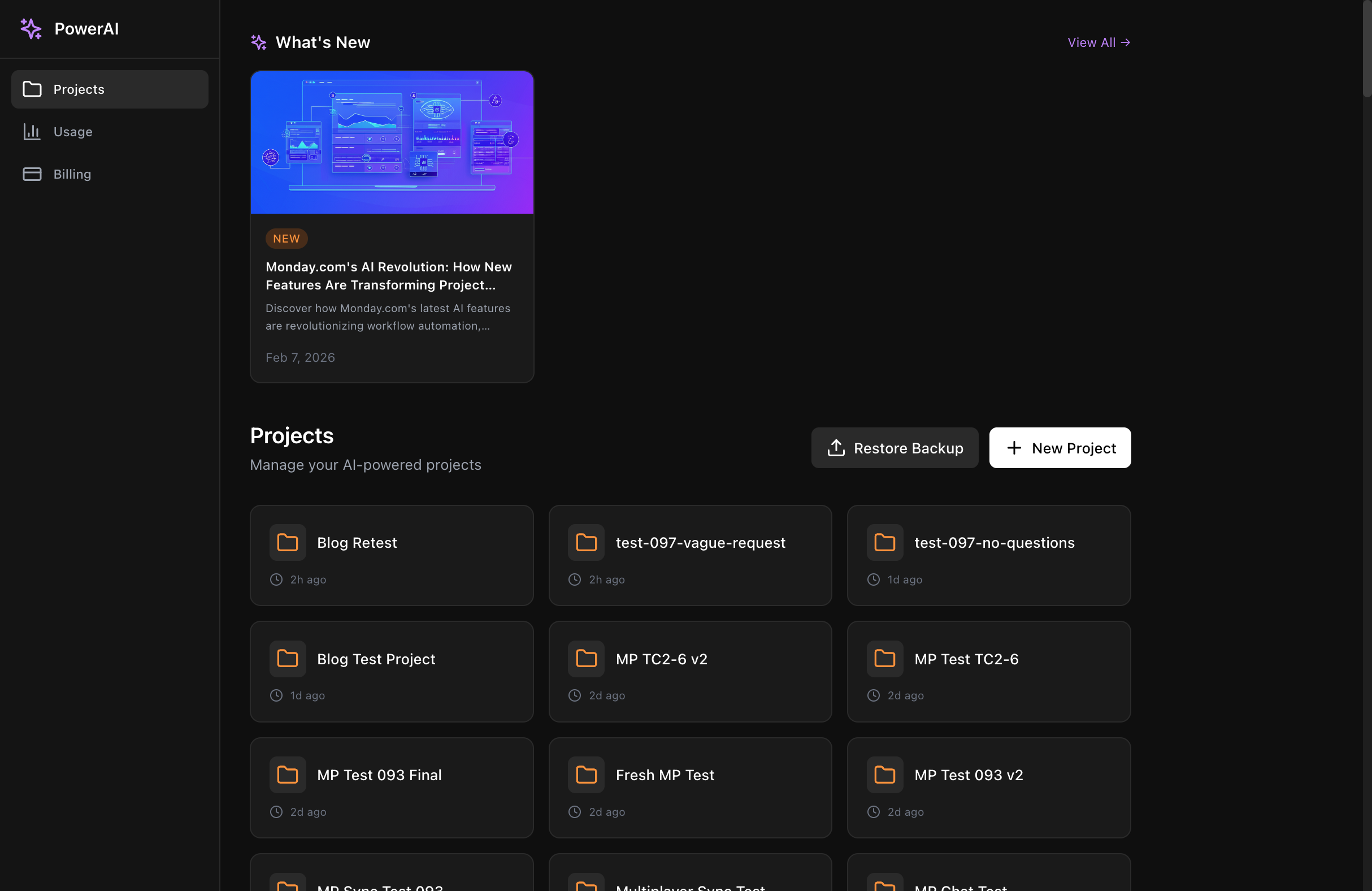
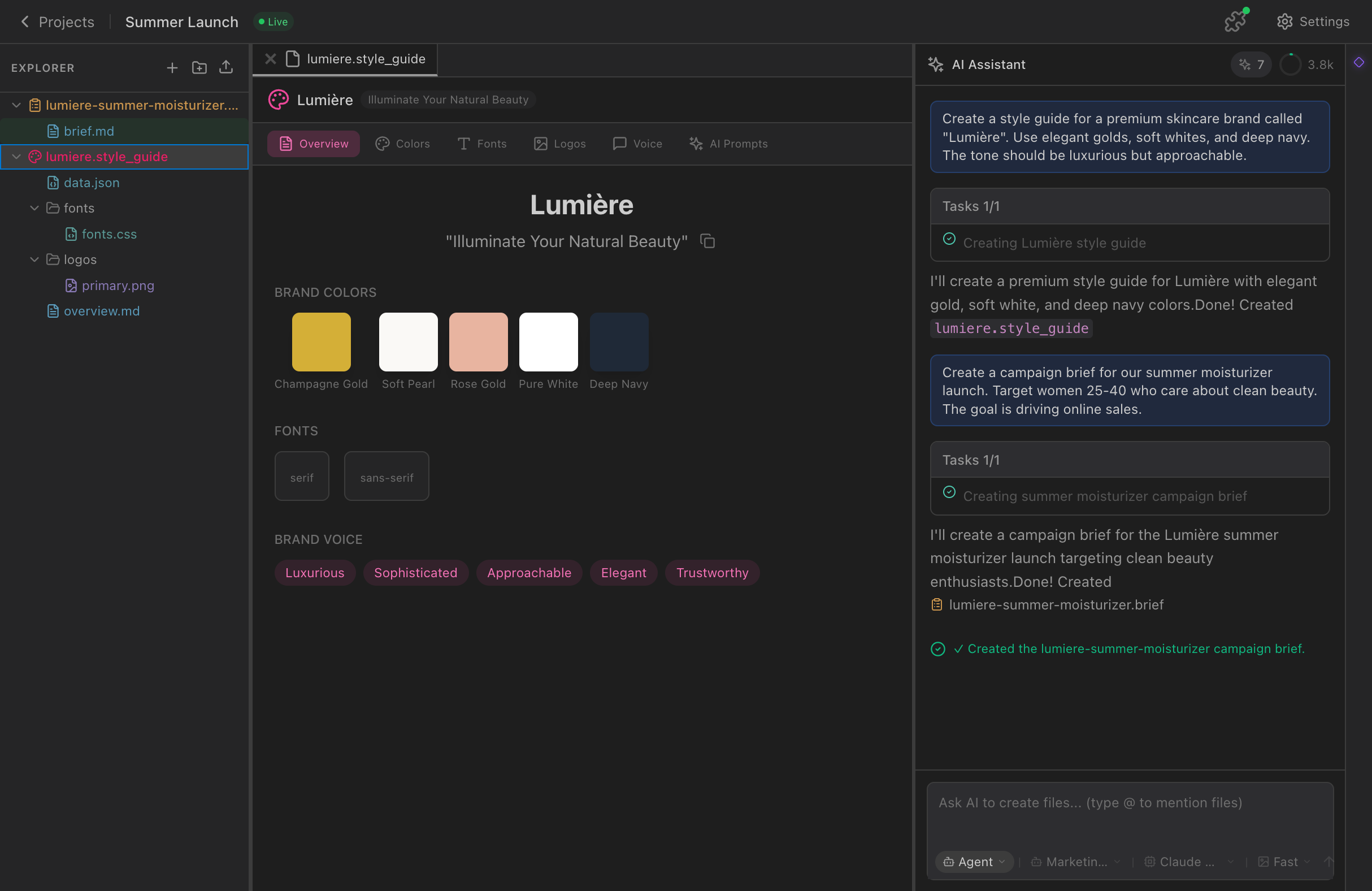
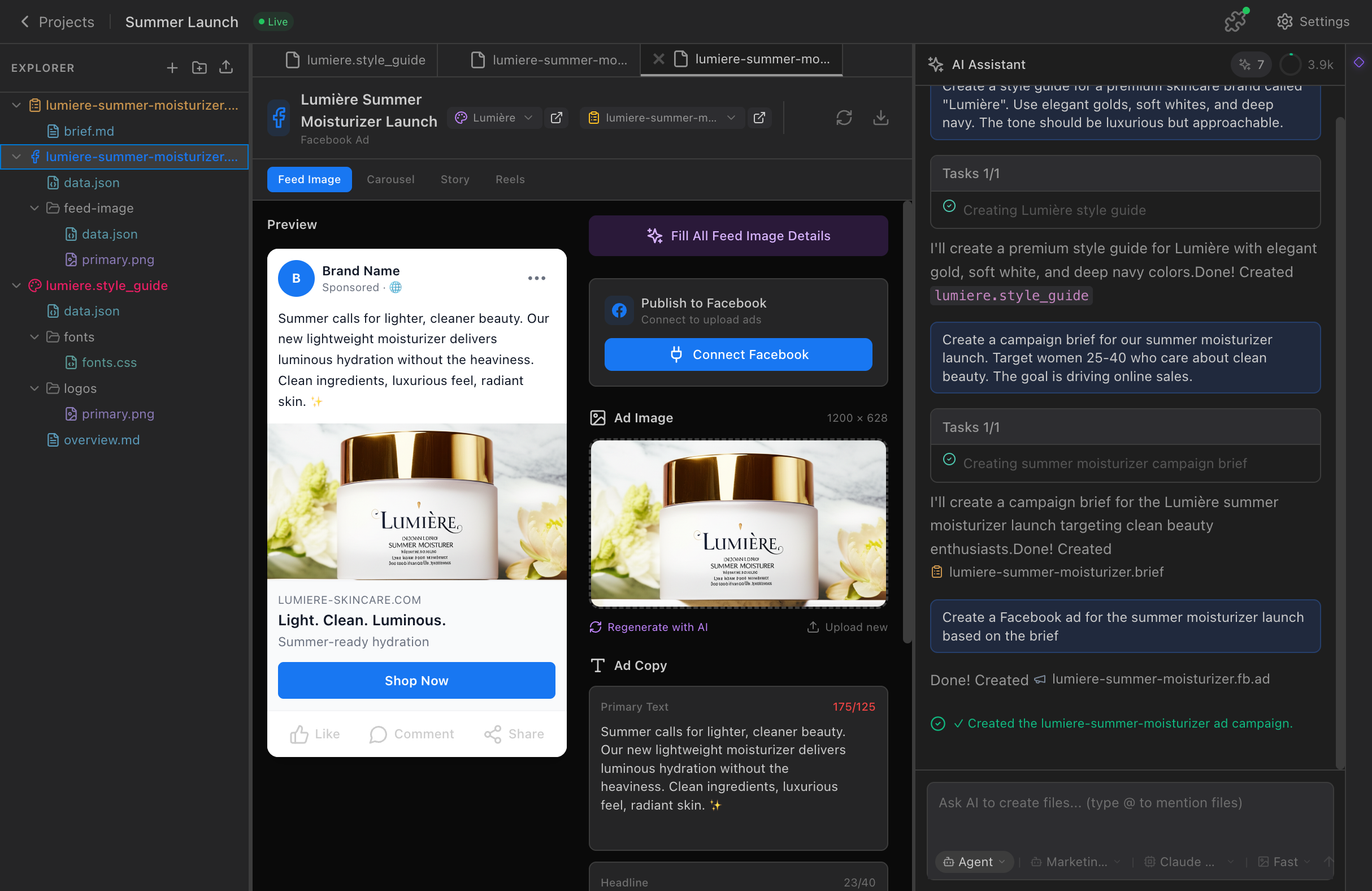
These weren't just placeholder images—they were real screenshots showing PowerAI's dashboard, brief creation, and ad viewer interfaces. Now I could create designs that showed the actual product in action.
The Refinement Prompt
With the screenshots uploaded, I crafted my second prompt:
"generate 10 more that look like #7, just add the hologram next to the screen and above it. use the screenshots in the screenshots directory for the hologram designs."
This prompt was surgical in its precision:
- Reference the winning style (#7 - cafe freelancer)
- Specific hologram placement (next to and above the screen)
- Use real content (screenshots from the directory)
Why I chose #7:
- Authenticity - This is how most PowerAI users actually work
- Aspirational - Beautiful workspace that feels attainable
- Focus - Single person, single screen, clear subject
- Flexibility - Cafe setting works for any blog topic
Second Iteration Results
The results were exactly what I envisioned—cafe-style work environments with actual PowerAI interfaces floating as holograms:


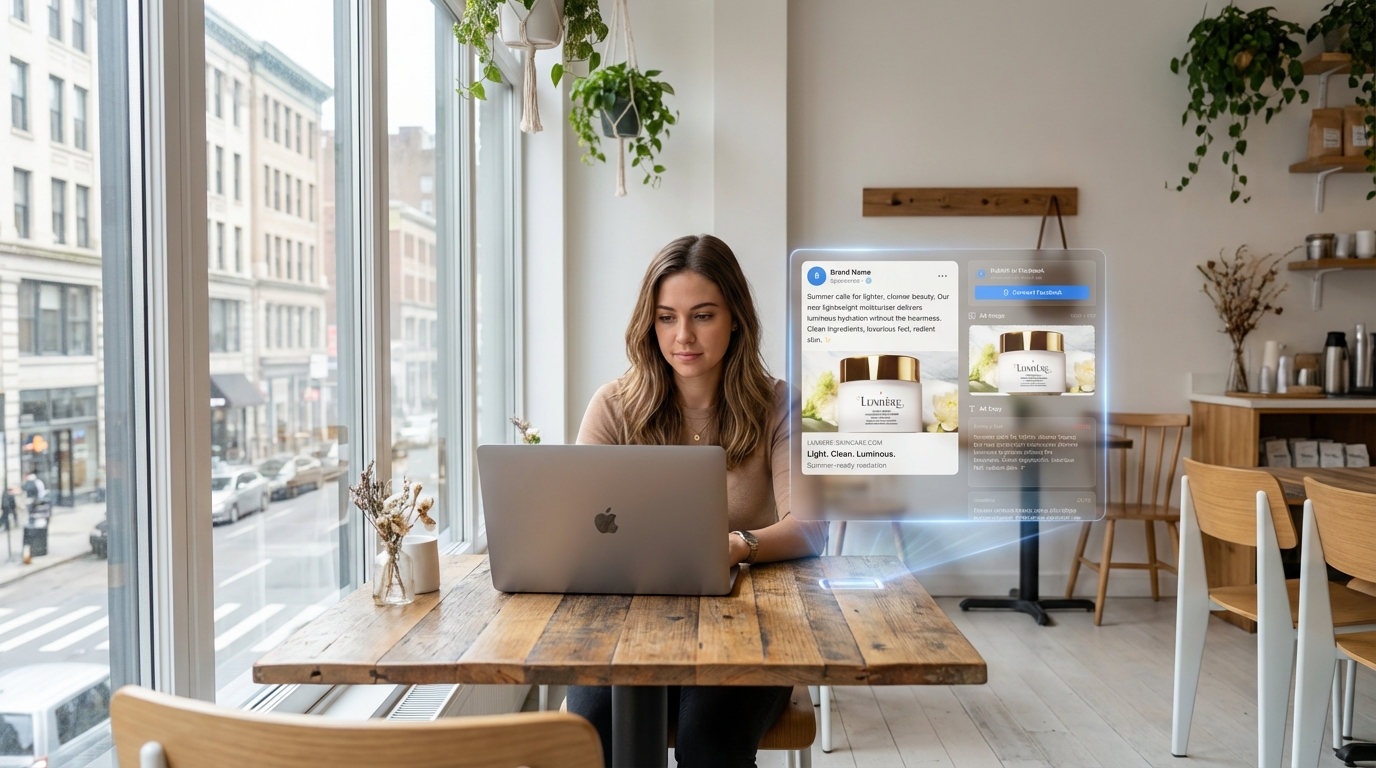

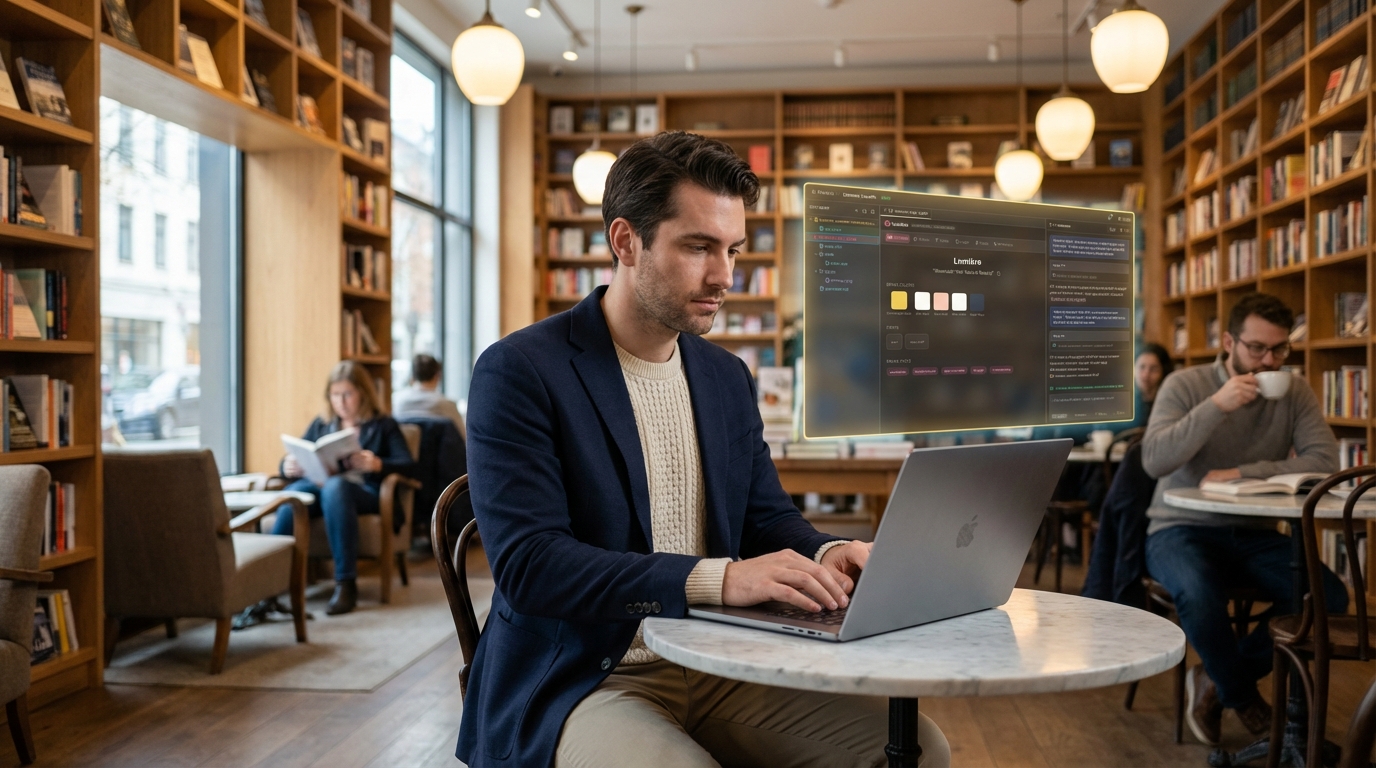
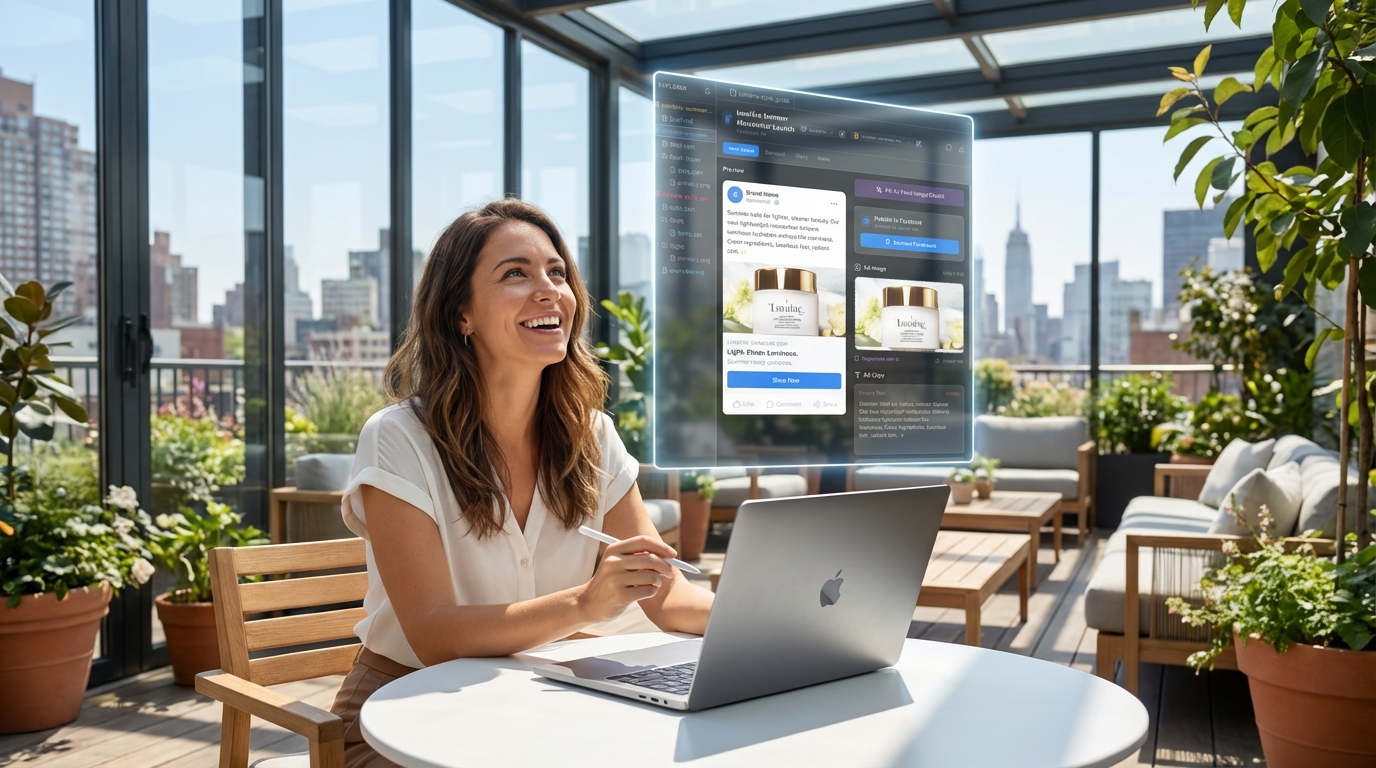
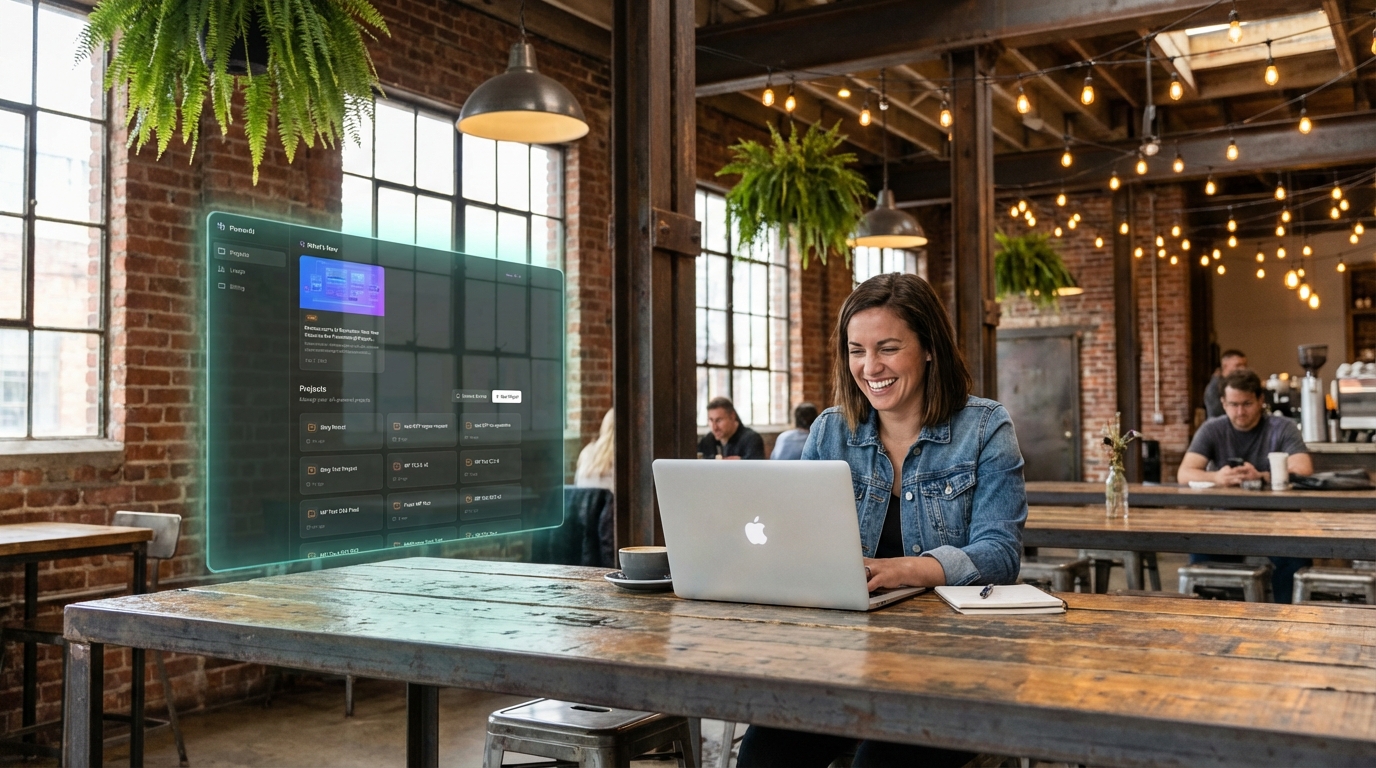
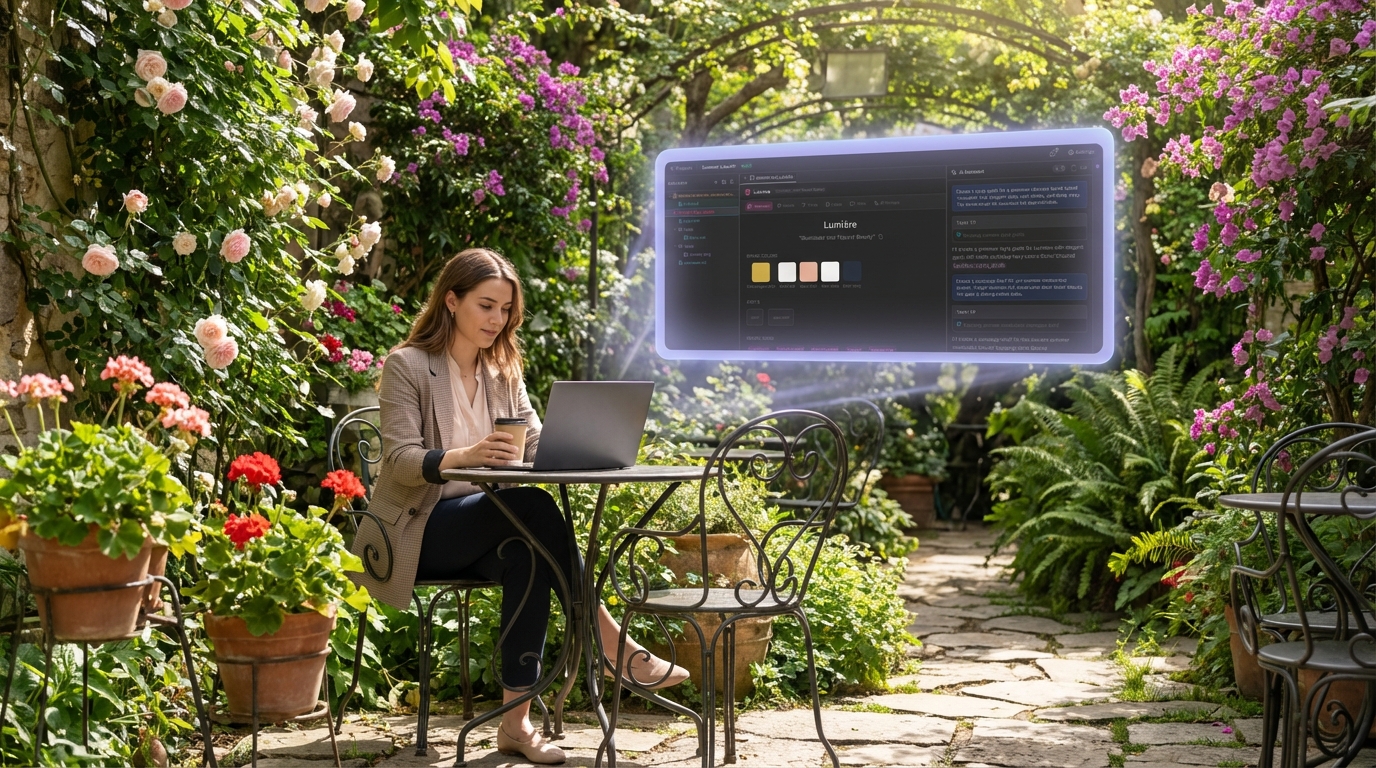
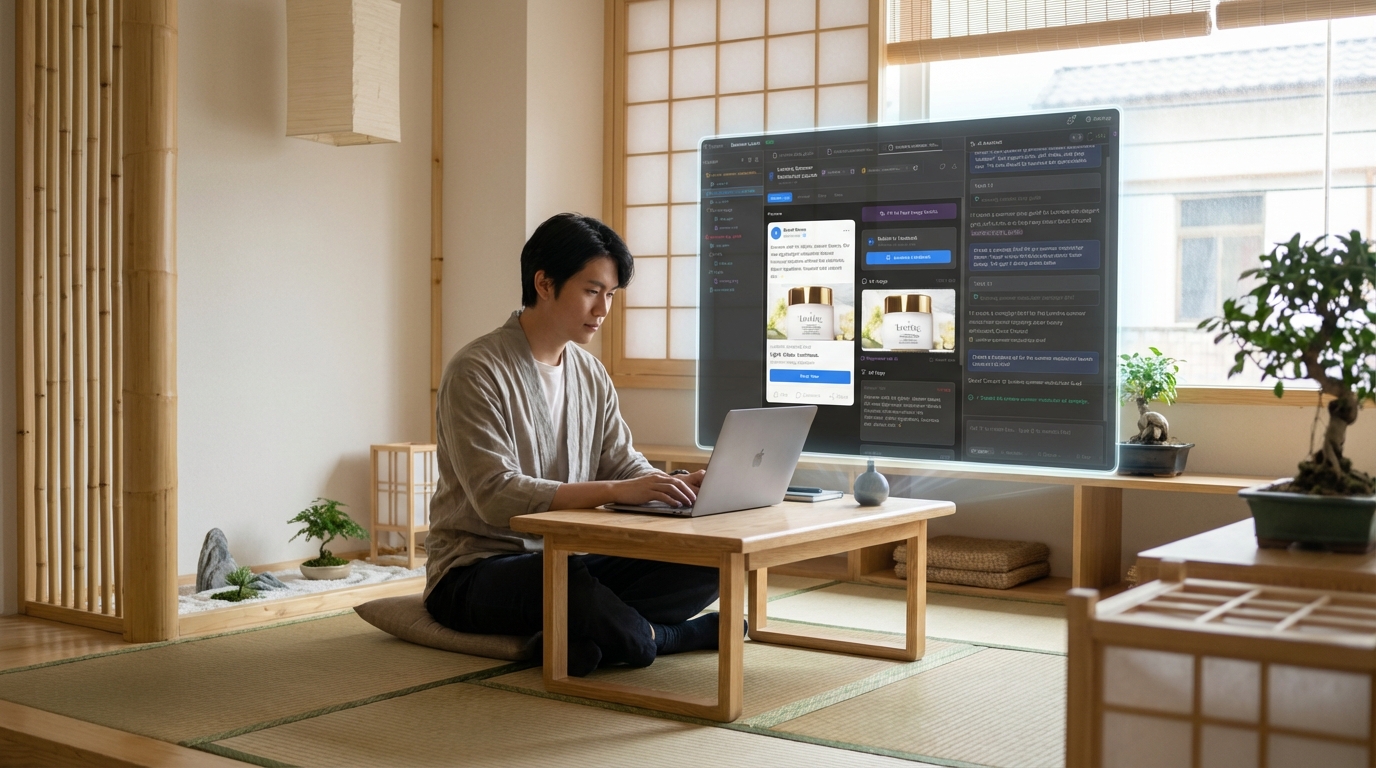
The variety was perfect:
- Different cafe styles - Modern, vintage, rooftop, industrial, garden
- Consistent hologram integration - All showing real PowerAI interfaces
- Maintained aesthetic - Professional but approachable
- Authentic PowerAI branding - Using actual product screenshots
The Winner Emerges
Image #11 stood out immediately. The modern cafe setting with the PowerAI dashboard hologram perfectly balanced professionalism with accessibility. The lighting was perfect, the hologram integration looked natural, and it told the story I wanted: "This is how PowerAI transforms your work."
The Meta Moment
Then came the final prompt that brings us full circle:
"ok now, take the @11-cafe-dashboard-hologram.jpeg for the blog main image, and create a blog post detailing the creation of the flow we just did together"
This is where AI collaboration gets really interesting—using the creative process itself as content. The tool that helped create the visual designs then helped document and explain the entire creative journey.
Key Lessons from This Process
1. Start Broad, Then Narrow
My first prompt cast a wide net—10 different styles, multiple environments, various projection types. This gave me options to evaluate and choose from.
2. Real Content Transforms Everything
The difference between generic holograms and actual PowerAI screenshots was dramatic. Real content makes designs immediately more compelling and authentic.
3. Iteration Is Where Magic Happens
The first batch was good. The second batch, refined based on what worked, was exceptional. AI excels at this kind of directed iteration.
4. Reference What Works
"More like #7" was more effective than trying to describe the style from scratch. When you find something that works, use it as a foundation.
5. Context Matters More Than Perfection
The cafe setting wasn't perfectly rendered, but it communicated the right feeling—professional yet accessible, focused yet relaxed.
The Broader Implications
This process showcases something bigger than just creating blog images. It demonstrates how AI can be a true creative partner when you:
- Communicate clearly with specific, contextual prompts
- Iterate based on results rather than trying to get perfection on the first try
- Provide real context (like actual screenshots) to ground the AI's creativity
- Recognize quality when you see it and build on it
Beyond Visual Design
While this example focused on image creation, the same principles apply to any AI-assisted creative work:
- Copywriting - Start with broad concepts, then refine based on what resonates
- Strategy - Generate multiple approaches, then combine the best elements
- Product development - Prototype quickly, gather feedback, iterate rapidly
The Future of Creative Work
What you've just read isn't a tutorial—it's a preview of how creative work is evolving. The back-and-forth between human creativity and AI capability, the rapid iteration, the ability to incorporate real context and feedback in real-time.
This isn't about AI replacing creativity. It's about AI amplifying human creative judgment, allowing us to explore more ideas faster and refine them more precisely than ever before.
Try It Yourself
Want to experience this kind of creative iteration? Here's how to get started:
- Start with a clear brief - Be specific about environment, mood, and context
- Generate options - Ask for multiple variations to explore the possibility space
- Identify what works - Don't just pick a winner; understand why it works
- Iterate with purpose - Use your insights to guide the next generation
- Add real context - Use actual content, screenshots, or brand elements when possible
The image at the top of this post—the one that caught your attention and made you start reading—went from an initial concept to final execution in under 20 minutes. But more importantly, it told the story I wanted to tell about how PowerAI transforms work.
That's the real power of AI-assisted creativity: not just creating content, but creating content that serves a purpose, tells a story, and connects with people in authentic ways.
This blog post was created using the exact process described—a real-time documentation of AI-powered creative iteration. The featured image is #11 from our second batch of designs, showing a PowerAI dashboard hologram in a modern cafe setting.